Always a story with you
Download audiobooks and keep listening offline: on a plane, in the metro, anywhere.


50,000+ audiobooks and ebooks. Listen on the way, read before bed and pick up exactly where you left off.
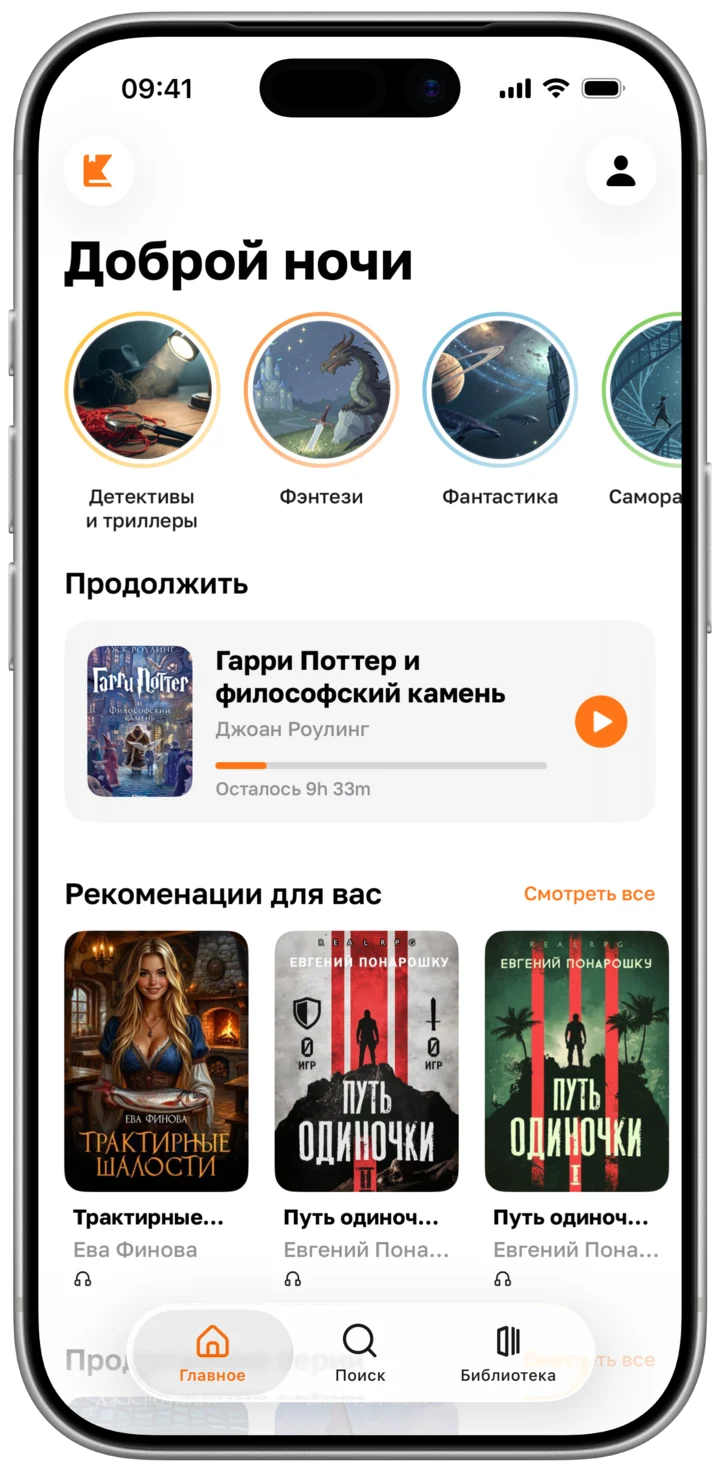
KIBI brings audiobooks and ebooks together in one calm app. Listen on the way to work, read before sleep, and your next favorite story is always a tap away.
Small things that keep you inside the story.
Download audiobooks and keep listening offline: on a plane, in the metro, anywhere.
Light, sepia, gray or dark. Pick the theme and the type that feel right.
Set a goal in minutes a day and keep your streak going.
A sleep timer for 5 to 60 minutes, or to the end of the chapter. KIBI keeps your place.


Three steps, and your next favorite book is already playing.
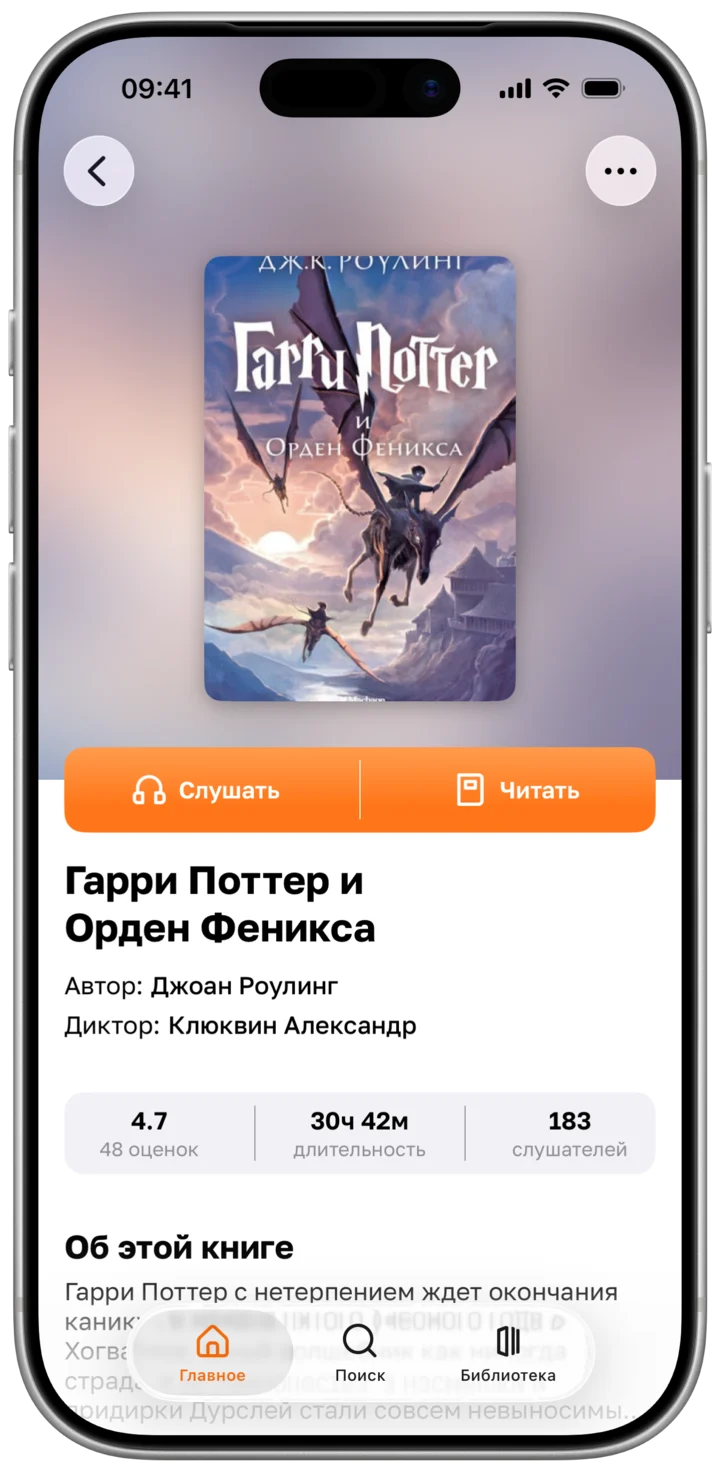
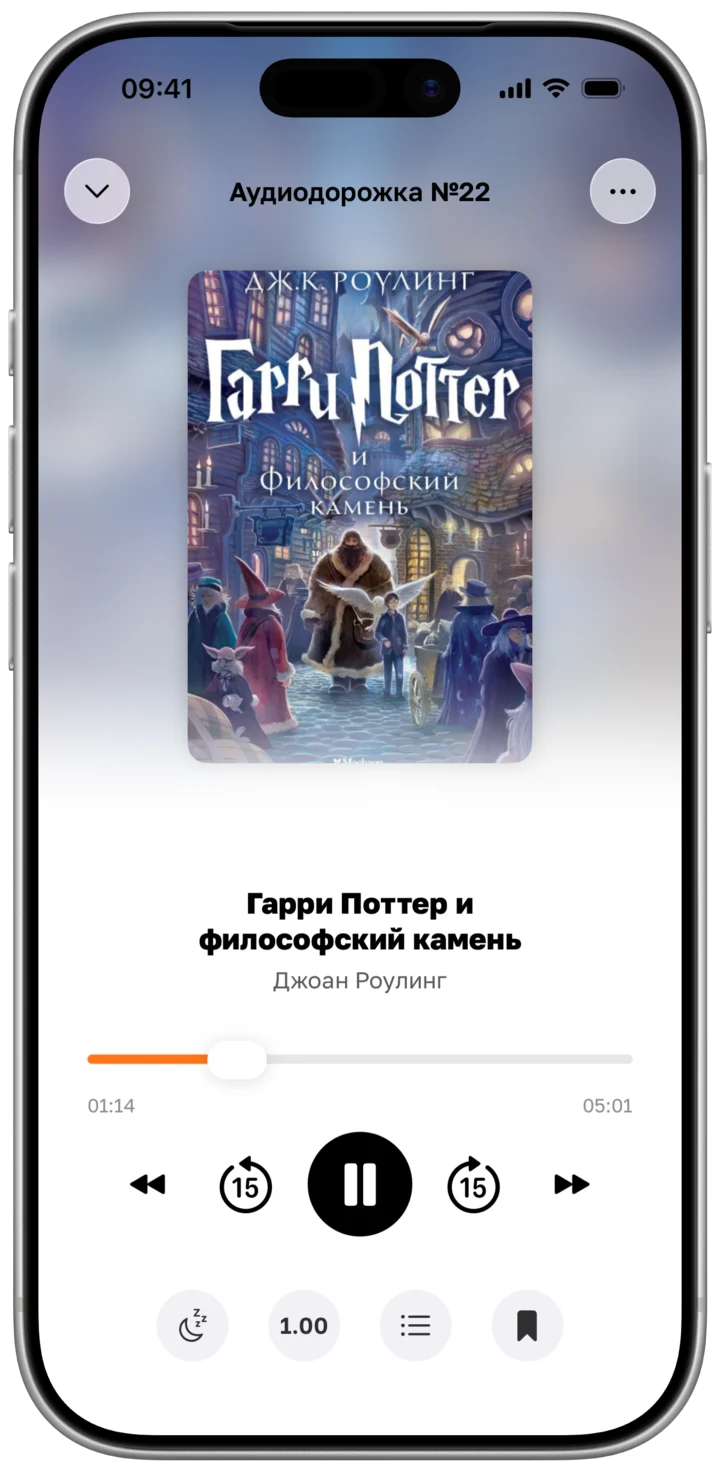
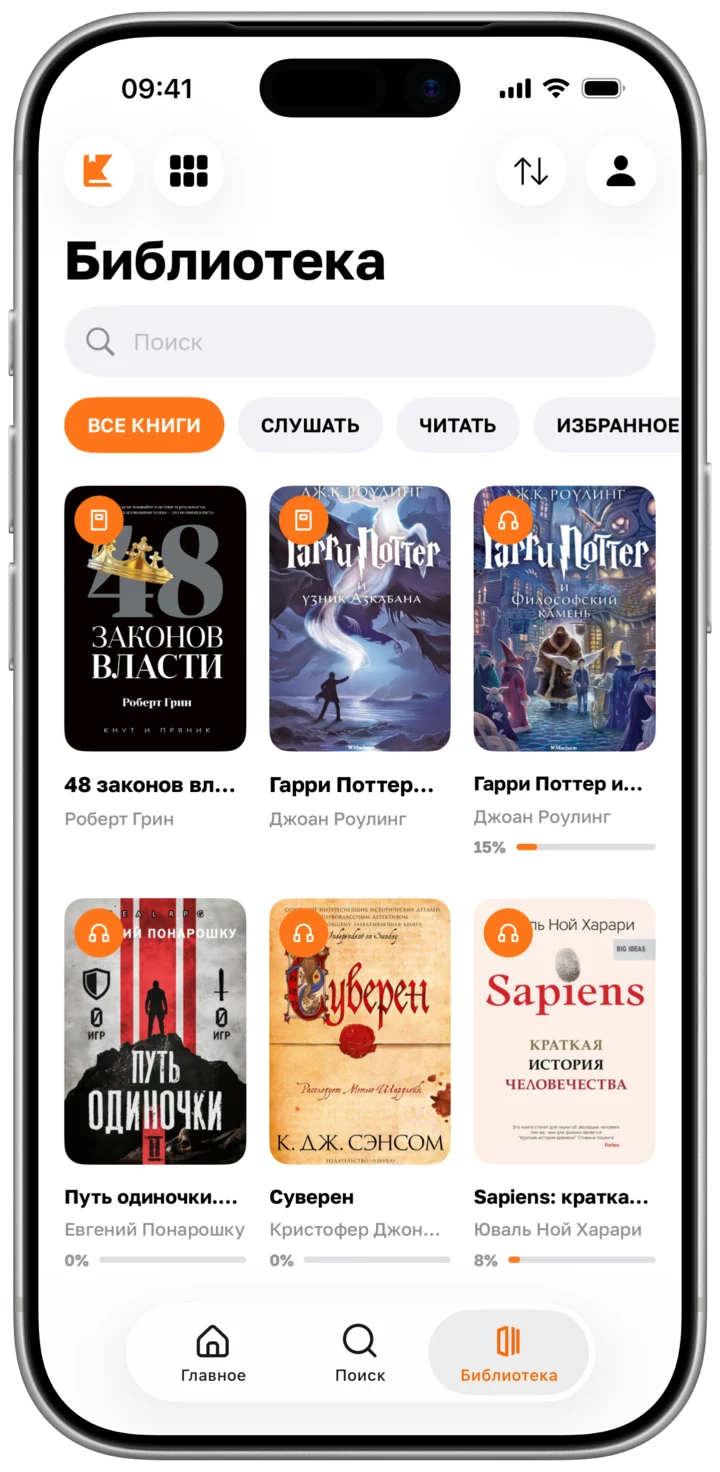
28 genres, from detectives and fantasy to self-growth and poetry.


Dragons, kingdoms and quests that last a whole winter.
Fantasy · 3,115

Detectives and thrillers that always earn one more chapter.
Detectives and Thrillers · 1,927

Science fiction about the future, space and whoever gets there first.
Science Fiction · 2,780

Psychology and self-growth for the commute: habits, focus and calm.
Self-Growth · 395

Novels about meeting, losing and finding each other again.
Novel · 1,916

Horror and mysticism for long autumn evenings.
Horror and Mysticism · 865KIBI is an iPhone app for listening to audiobooks and reading ebooks. The catalogue has 50,000+ books in 28 genres, with 1,800+ narrators. KIBI is free to download on the App Store and runs on iOS 17 or later.
Mostly Russian. There is Ukrainian literature too, and a growing shelf of books in English and German. The app itself is in English, Russian, Ukrainian and German.
No, you can start listening straight away. Sign in with Apple or Google to keep your library when you change phones.
Yes, with Premium. Download a book and it plays offline: on a plane, in the metro, anywhere.
Yes. Set it for 5 to 60 minutes or to the end of the chapter, and KIBI keeps your place.
Not yet. We’re working on it.
On your iPhone: Settings → your name → Subscriptions → KIBI → Cancel Subscription. Refunds are handled by Apple at reportaproblem.apple.com.
Write to [email protected], or use Feedback in the app. We answer every message.
Download KIBI and start listening today.
Download on theApp Store